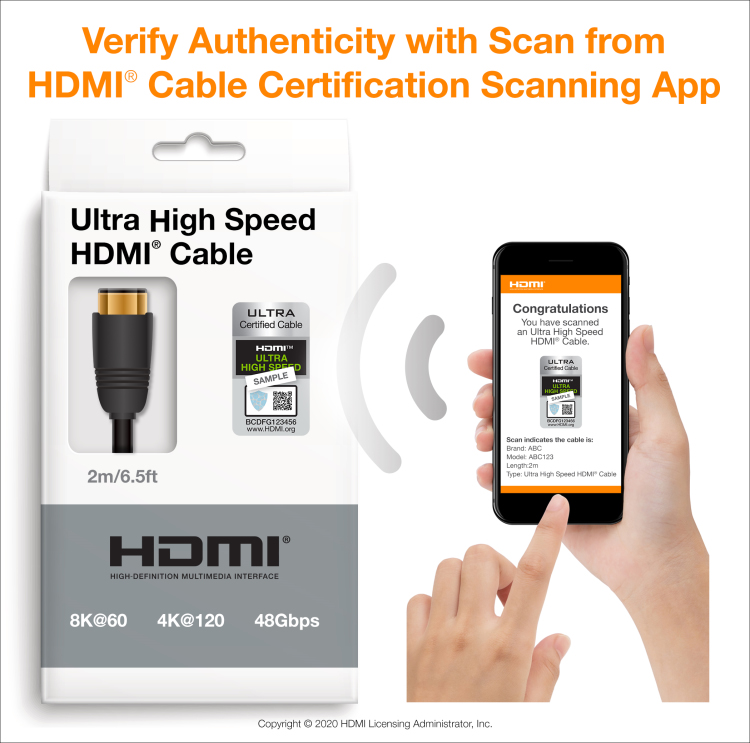
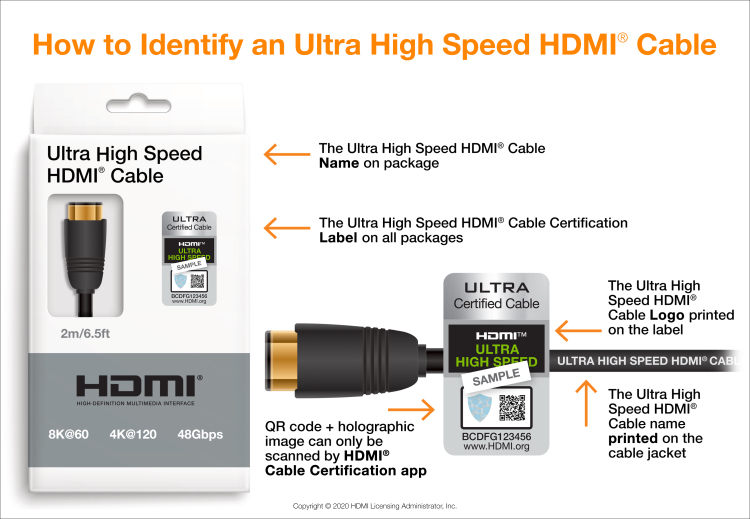
To identify the cable, make sure the packaging displays the required Ultra High Speed HDMI Certification Label shown above. Please note the label includes the official Cable Name Logo printed on it. The name is also required to appear on the outer cable jacket itself. To verify the cable has been tested and certified in compliance with the HDMI 2.1 Specification, the label can be scanned by the HDMI Cable Certification app available on the Apple App Store, Google Play Store and other Android app stores.